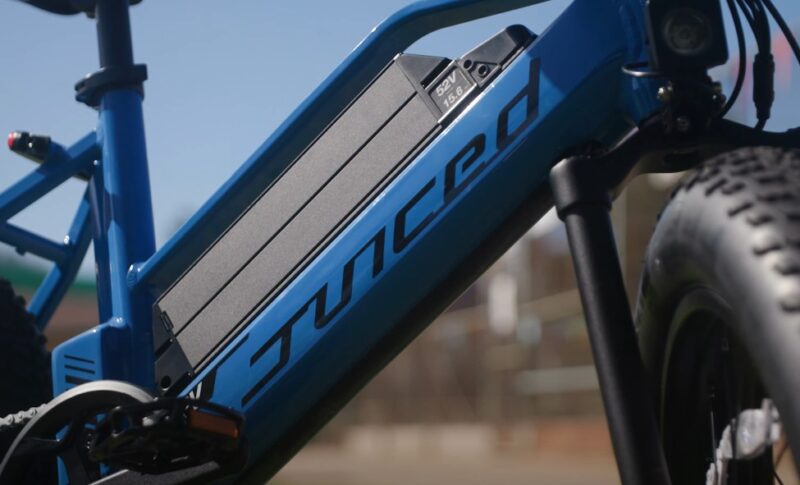
E-bike batteries are the heart of your ride, powering up your daily commutes or weekend adventures. But what happens when your trusty battery starts acting up?
Maybe it’s not holding a charge as long as it used to, or you’re seeing error codes on your display. Before panicking or buying a new battery, resetting it might be just what you need.
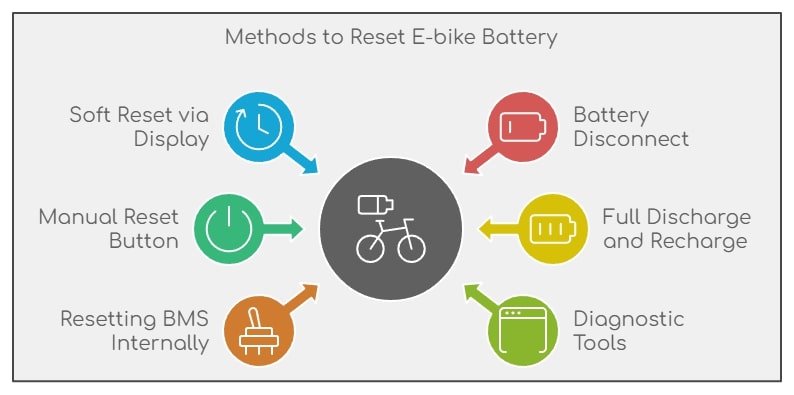
This isn’t just for those “I think my battery’s dying” moments. It can help solve a range of issues:
- Error codes: If your display is flashing something cryptic, a reset could clear it up.
- Poor performance: A reset can sometimes bring back lost power or range.
- Weird charge readings: If your battery’s showing it’s full but dying quickly, resetting helps recalibrate things.
There are a few ways to reset an e-bike battery, and I’ll guide you through each one. Don’t worry, you don’t need to be a tech wizard.
Most of the time, it’s just a matter of pressing buttons or unplugging things.
Method 1: Soft Reset via the Display Console
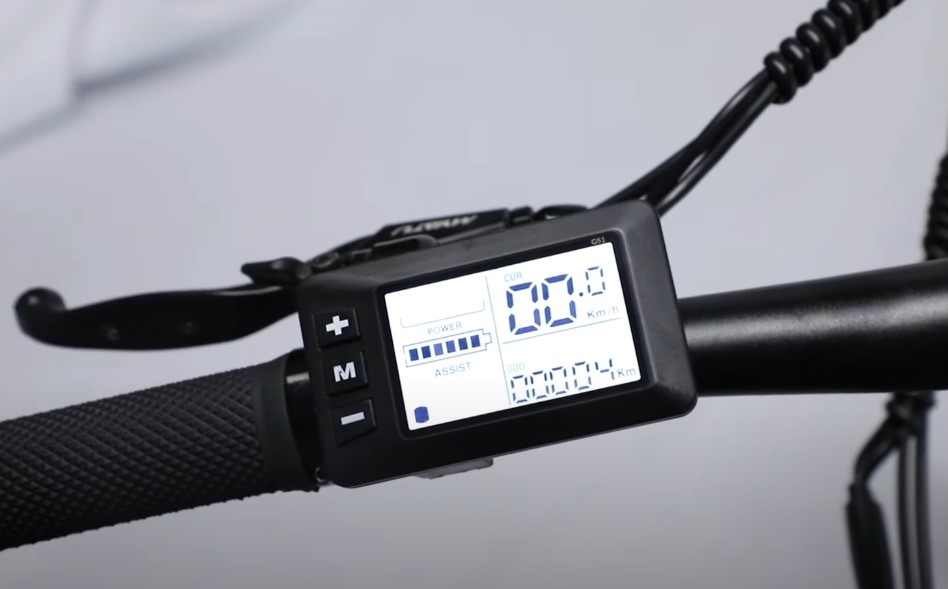
Most modern e-bikes have a built-in feature that lets you reset the battery directly from the display. If your e-bike has this option, it’s one of the easiest ways to reset things.
How to Do It
- Turn off your e-bike completely.
- Turn it back on and access the display settings.
- Look for a reset or factory reset option in the settings.
- Follow the on-screen prompts to confirm the reset.
Once it’s done, restart the bike and you’re good to go! A soft reset is especially useful for clearing up issues like wrong battery readings. It basically tells the battery management system (BMS) to recalibrate and start fresh.
Method 2: Battery Disconnect Method
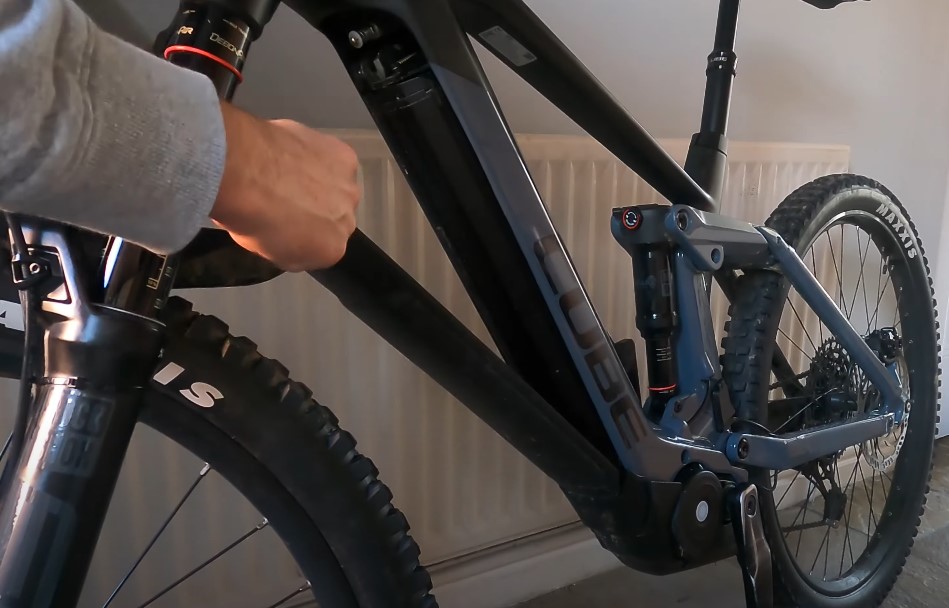
Don’t have a reset option on your display? No problem. You can still perform a manual reset by physically disconnecting the battery from the bike.
This is often a quick fix for those moments when things just seem “off” with your e-bike.
Steps
- Power off the bike completely.
- Remove the battery from its compartment. Be gentle—most e-bike batteries are a bit snug, and you don’t want to damage any connections.
- Leave the battery disconnected for a few minutes (around 5–10 minutes should do).
- Pop the battery back in and make sure it’s securely connected.
- Power your bike back on and see if the issue is resolved.
Method 3: Manual Reset with a Button
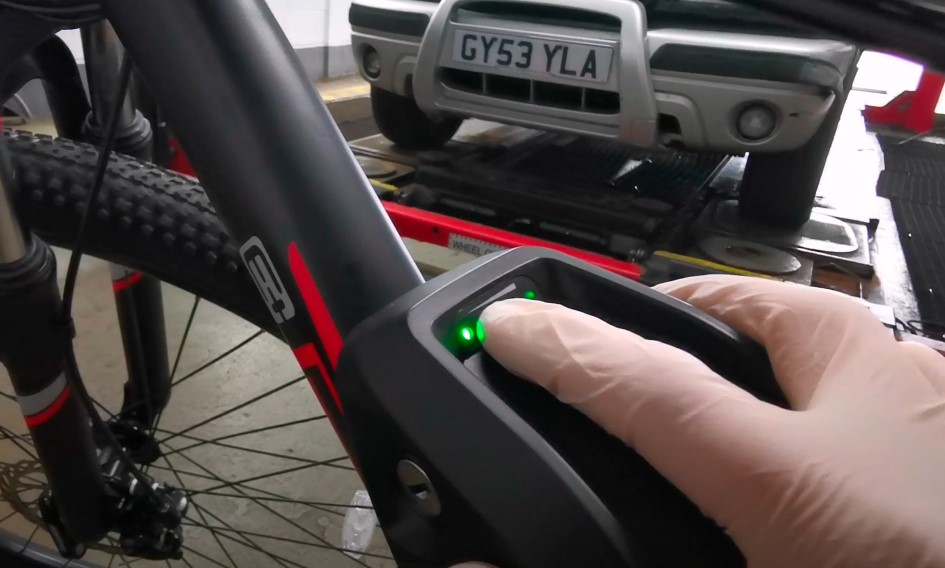
Some e-bikes, including electric dirt bikes, come with a reset button built right into the battery pack. If yours does, this is a fast and straightforward way to reset things without having to mess with settings or physically remove the battery.
How to Reset
- Locate the reset button (consult your user manual if you’re not sure where it is).
- Press and hold the button for around 10–20 seconds.
- Release the button and wait for a few moments.
Method 4: Full Discharge and Recharge Cycle
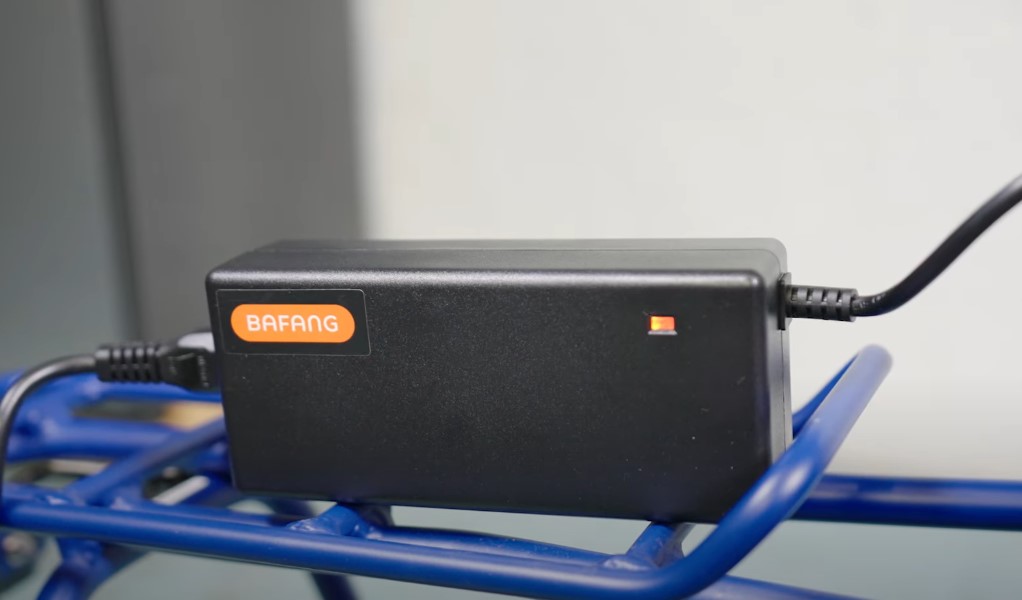
If your battery’s acting wonky, sometimes the old “drain it and recharge” trick can bring it back to life. Draining the battery completely and then giving it a full charge helps recalibrate the BMS, especially if it’s showing inaccurate charge levels or cutting out unexpectedly.
Steps
- Ride your e-bike until the battery is fully drained (make sure you’ve planned for this—don’t get stuck too far from home!).
- Once it’s completely drained, charge it up all the way without interruptions.
- After charging it fully, test the battery to see if the performance has improved.
Method 5: Resetting the BMS Internally (Advanced)
If you’re still facing issues, you might need to reset the battery’s BMS internally. I’ll be upfront: this is more advanced and requires opening the battery casing. If you’re not comfortable doing that, it’s probably a good idea to consult a professional.
How It’s Done
- Open the battery enclosure carefully (only do this if you’re confident—you don’t want to void your warranty or cause damage).
- Locate the BMS wiring harness and disconnect it while the battery is charging.
- After a short wait, reconnect the wiring harness and reassemble the battery.
- Power the e-bike back on and see if the reset fixed the issue.
Method 6: Using Diagnostic Tools
@cyclomonster Bosch firmware update during a bike 6 week checkup #ebikes #derby #bikeservice ♬ Kgf Beat – Nkdaddy
Some e-bike manufacturers provide diagnostic tools that you can plug into the bike. These tools run diagnostics, reset the BMS, and even update the firmware. This method is typically reserved for hardcore issues or when you’re working with a repair shop.
Bonus Tip – Firmware Updates
Sometimes, a simple firmware update will do the trick. Manufacturers release updates to fix bugs and improve the battery’s performance. Check with your bike’s manufacturer to see if there’s an update available and follow their instructions to install it.
E-bike Battery Maintenance Tips
While resetting your battery can fix a lot of problems, regular maintenance is just as important to extend its life. Here are a few easy tips to keep your battery running smoothly:
- Avoid draining the battery too much: Try to recharge your battery before it dips below 30-40% to avoid unnecessary strain on the cells.
- Keep it cool: Store your e-bike battery in a cool, dry place. Heat is a battery’s worst enemy, and extreme temperatures can affect performance.
- Check for damage: Regularly inspect your battery for signs of wear and tear. Clean the connections and look for any damage to the battery casing or contacts.
- Partial charge for storage: If you’re storing your battery for a while (say, during the winter), keep it charged at 30-60%. Fully charged or fully discharged batteries can degrade if left for too long.
What to Do After Resetting the Battery
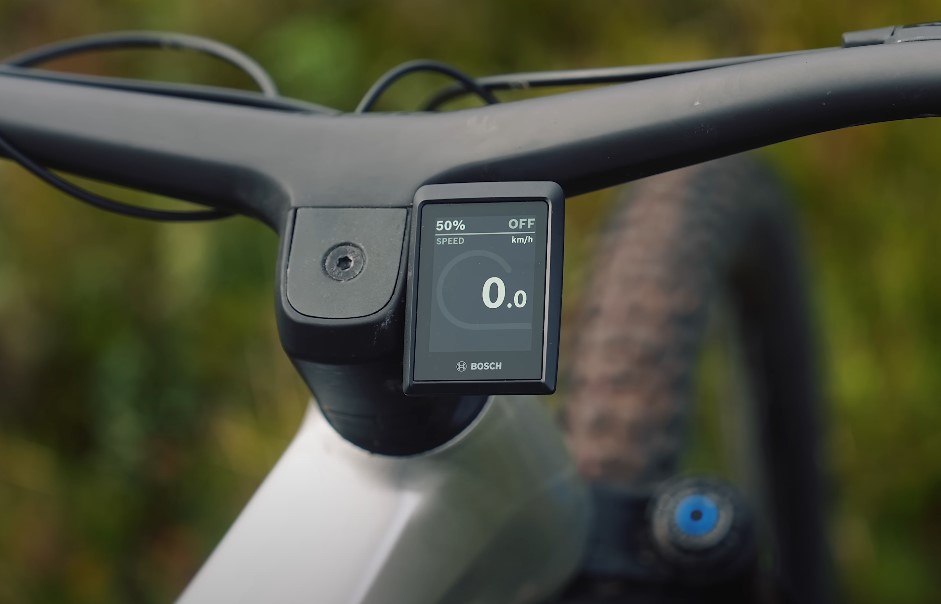
Once you’ve completed any of the resets, it’s time to test things out. Charge the battery, power on the e-bike, and check the battery readings on your display.
If everything looks good, take the bike for a short test ride. Keep an eye on how the motor responds and monitor how long the charge lasts.
If things are still acting up, it might be time to repeat the reset or contact the manufacturer for help.
Wrapping Up
Resetting your e-bike battery isn’t as intimidating as it sounds. With a little patience and a few simple steps, you can often resolve common issues and bring your battery back to life.
It doesn’t matter if it’s a quick soft reset or a more involved manual reset, knowing how to do it yourself can save you time, money, and a lot of frustration.
Plus, maintaining your battery regularly will keep your rides smooth and stress-free.